
Moderator Guide
Page is still under development
Moderators can ban or warn players when they break the rules and can fix griefs and stolen items. They can also add players to the whitelist and update the server. They are here to make sure that the server runs smoothly and everyone has a good time :D.
Allowed commands
Moderators are allowed to use the following commands: /kick (user) (reason)
Used in special cases when a user is bugged./ban (user) (reason)
When a player has broken a rule and the moderator deems it necessary to ban./tp (user) (user)
Used to teleport to someone to investigate something or to unstuck a player./give (user) (itemid) (count)
When theft or unfair loss of items occur that can be eaisly fixed with /give./gamemode (1 or 0)
Creative mode can be used to investigate a grief or spawn in items that have been stolen or lost unfairly. Only moderators can be given creative./stop
The stop command restarts the server. This can be used if the server is performing poorly./whitelist add (user) and /whitelist reload
Add someone to the whitelist.
Console specific commands:
All regular commands above have to have cmd added to the start to run in console. For example cmd give CrumbledHam 1 64quit
Stops the server
Updating the server
- Use the Minecraft JE Time index to identify what version the server should be one. Time is in UTC.
- Go to the Minecraft wiki article for the version and download the server jar from the infobox.
- Enter the server panel and type the
quitcommand to stop the server. - Delete the old
server.jarand upload the new one. Make sure it is then rename toserver.jar - Then go to
server.propertiesand change the motd to have the new version. - Go to
betacraft/ping_details.jsonand change thegame_versionandv1_versionto the correct version. Then change theprotocolto the correct one which can be found on the Minecraft wiki version page infobox. - Start the server in the panel.
- Create an announcement in the discord and link the version page on the Minecraft wiki.
Whitelisting players
Players will put their usernames in the discord in the whitelist channel and then you can add them to the whitelist ingame using the /whitelist (user) and /whitelist reload commands.
Fixing grief/stolen items
If a player has had items stolen and its only a small amount that can eaisly be replaced, use /give or /gamemode 1 yourself to get the items back.
If a player has had a lot of items stolen or their base has been griefed:
1. Download a old backup of the world from download.turtlesmp.world.
2. Extract the .tar.gz using a progam like 7zip and drag it into your file explorer.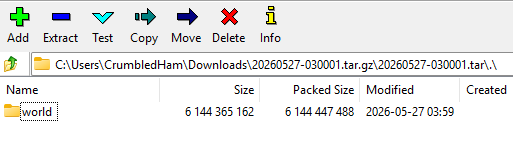
3. Open up the world in the latest 1.0 release of mcedit.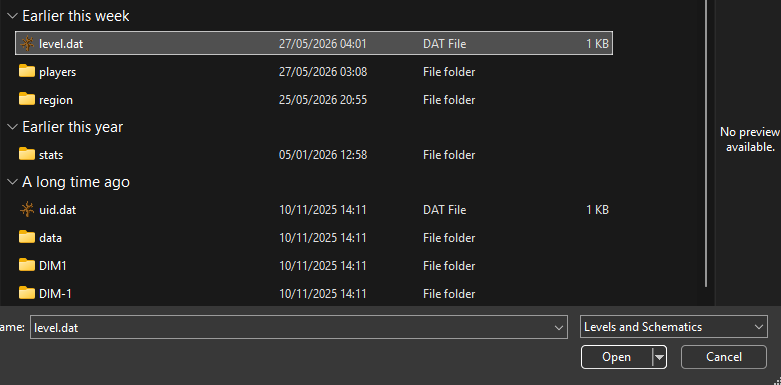
4. Press G to open up the goto menu and type the coordinates of the affected place.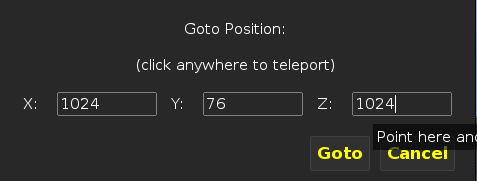
5. Select the area you need and create a schematic by pressing export.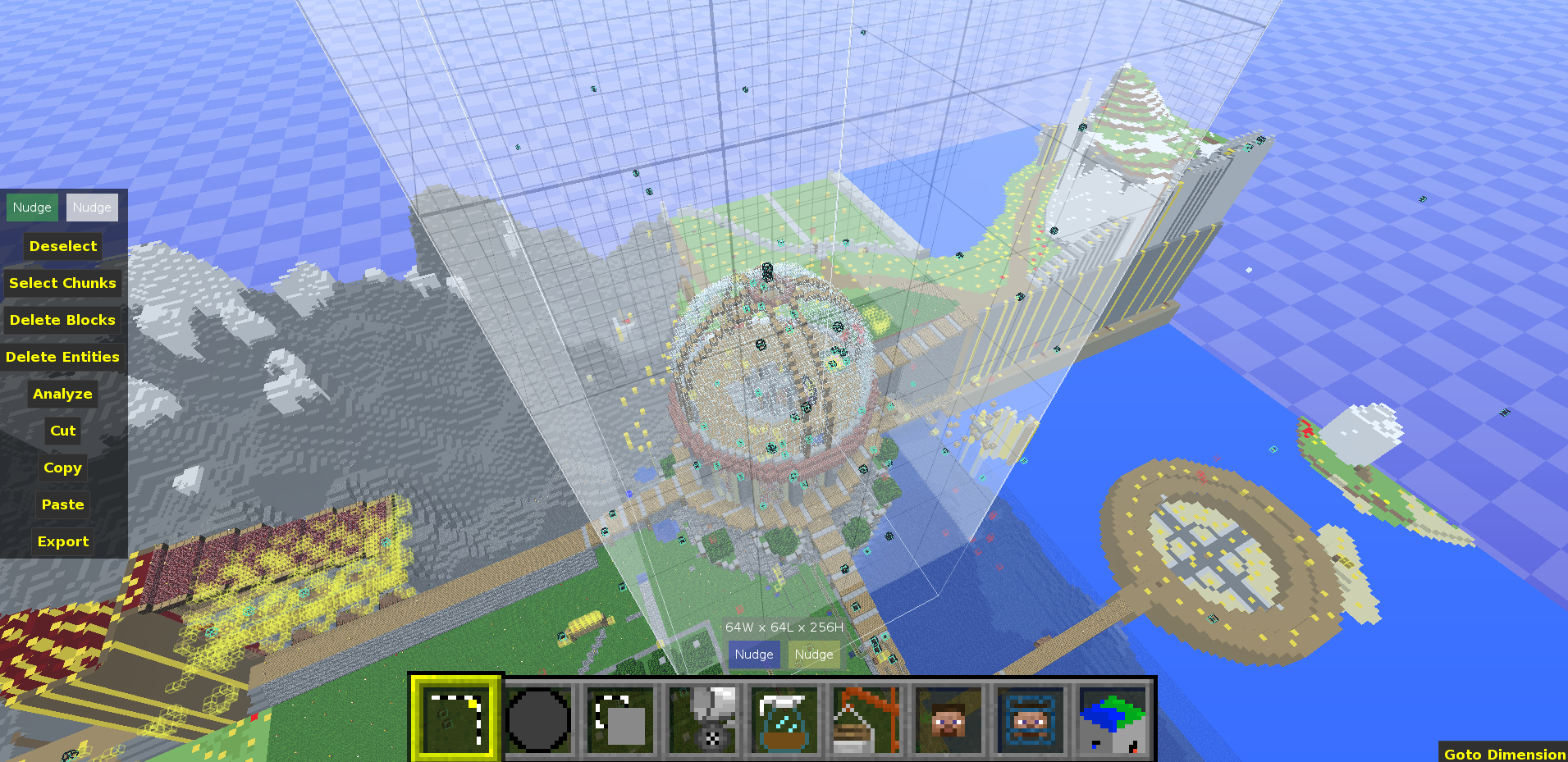
6. Now using a chunk coordinates calculator, find the region files that would be affected by the grief. You could also cut the area affected in the backup and save it so you can see what region files get modified. 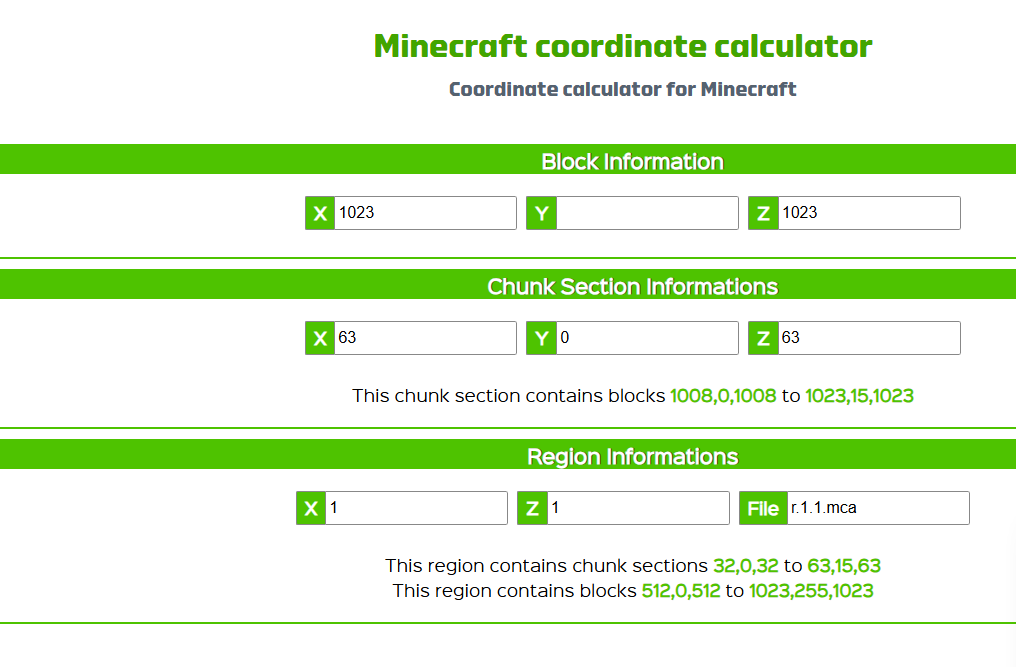
7. Stop the server in the console with quit and download the region files in the files tab under world/region/.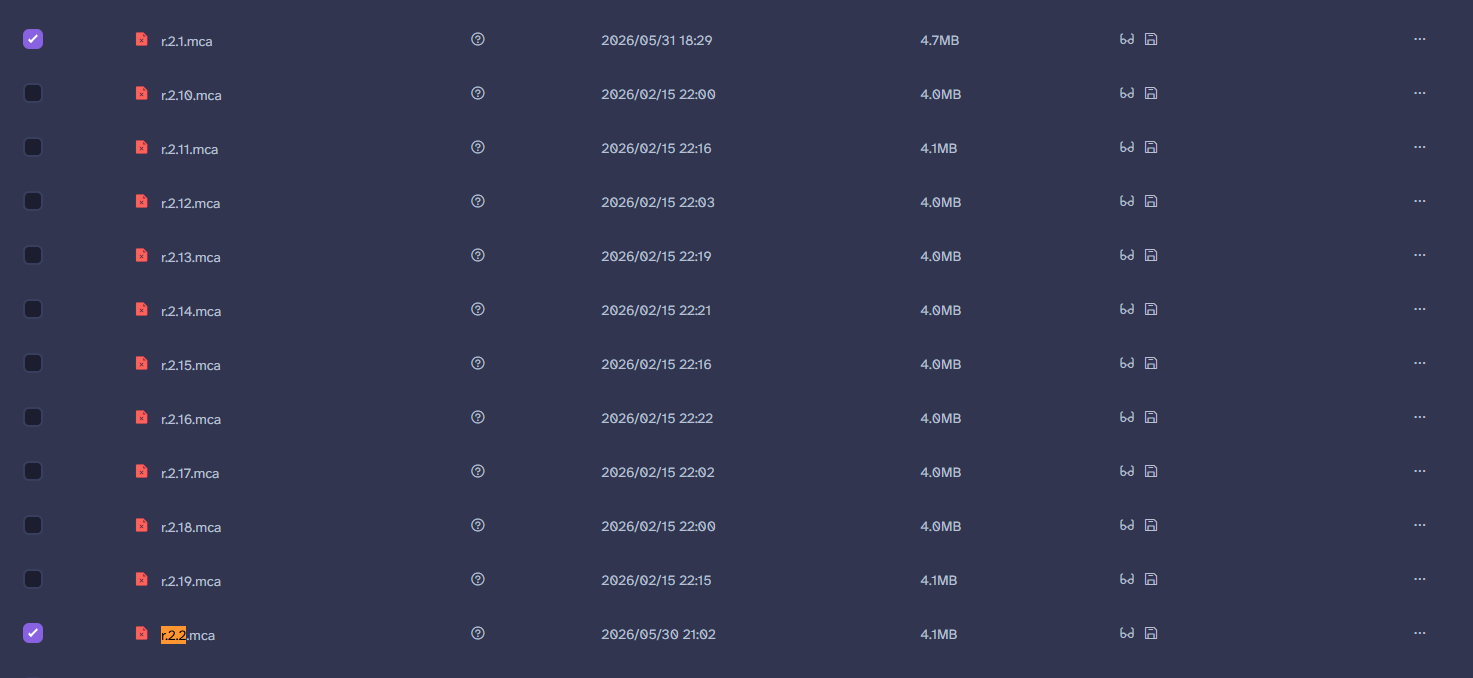
8. Paste these region files into a fresh blank world so you can open it with MCEdit.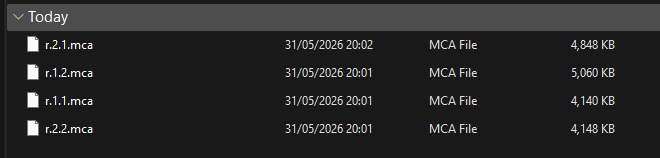
9. Select the affected area and delete entities (so we dont get duplicates).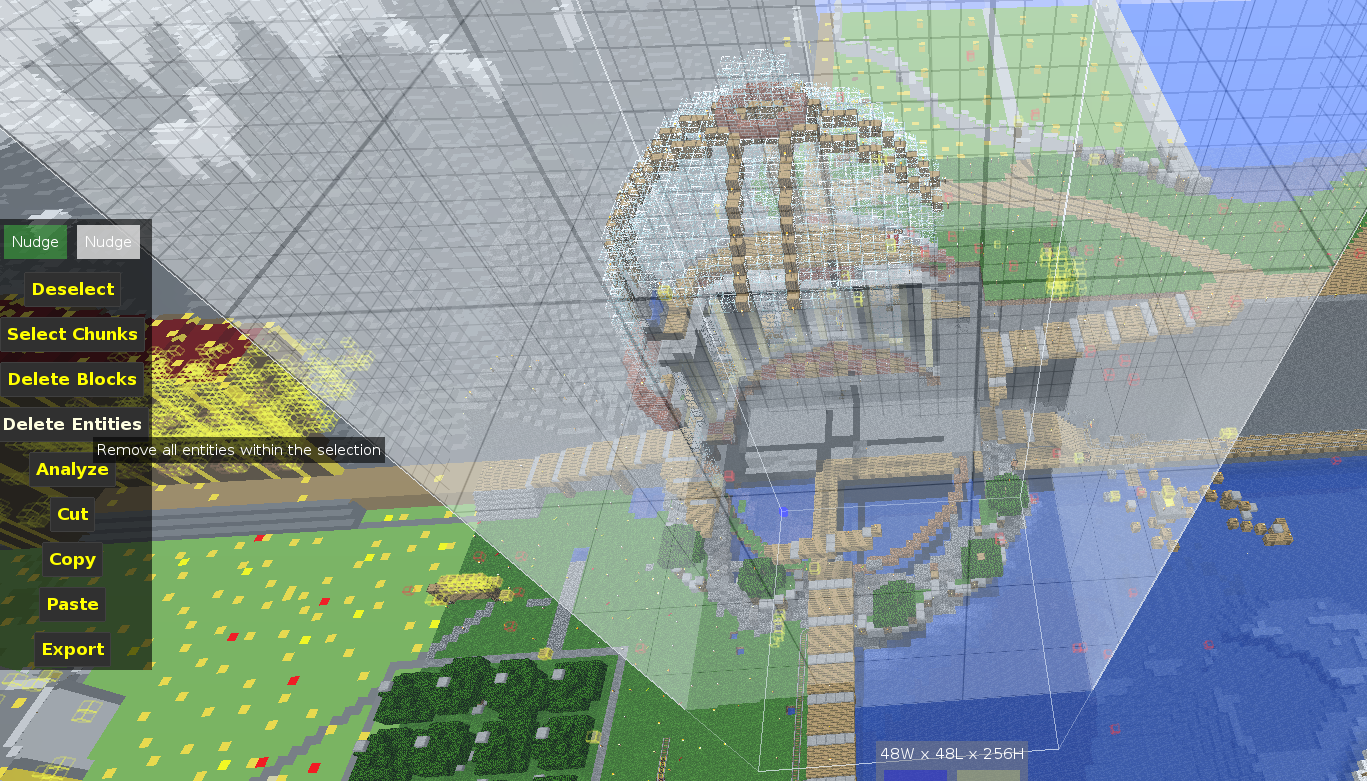
10. Import the schematic we created over the affected area. Save the changes with control+S and then upload the region files back into the server. You can then start the server on the control panel by pressing the start button.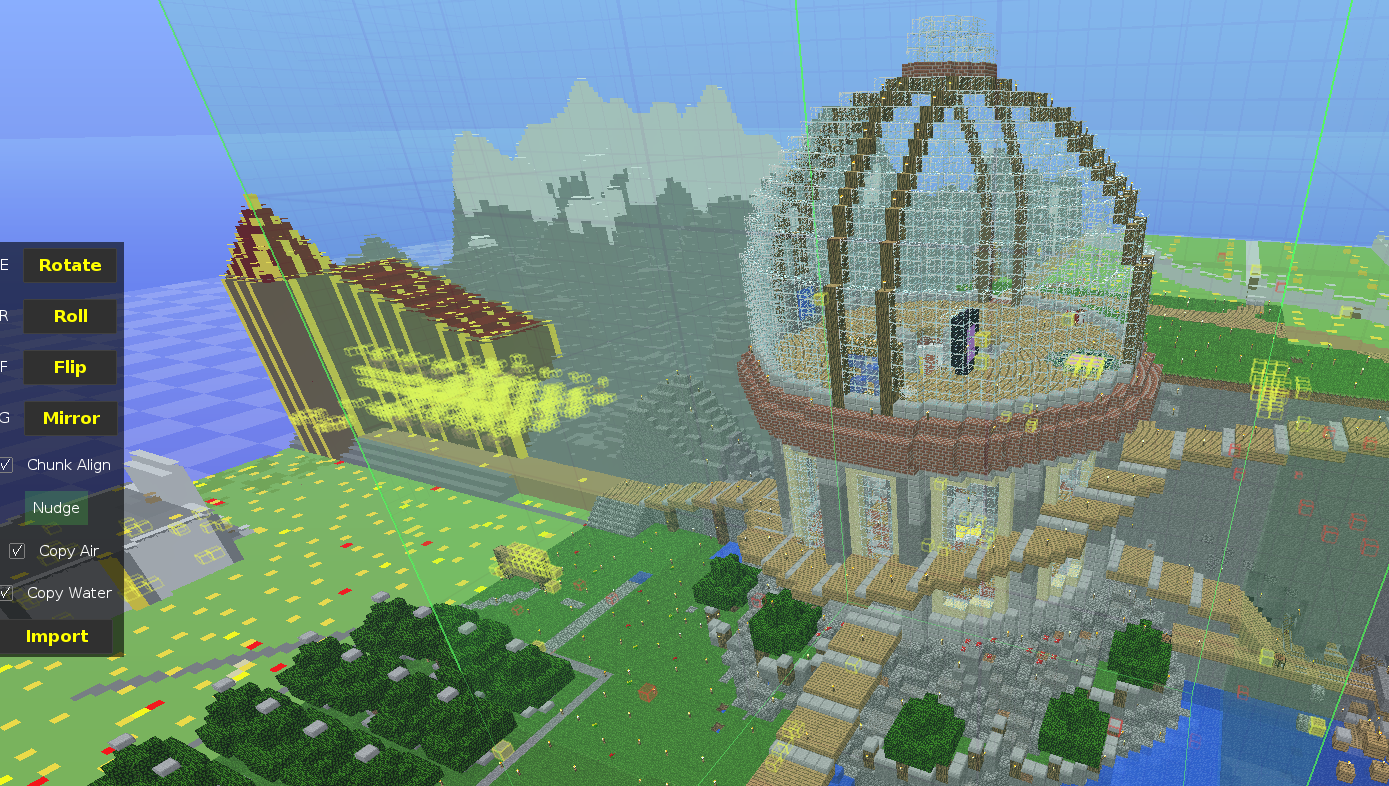
If a player has lost their inventory due to a unfair reason, you can download their old inventory from a old backup at download.turtlesmp.world and then upload the old playerdata into world/players/
To investigate peoples inventories, you can download your playerdata to make a backup at world/players and download the playerdata of the players inventory you want to view. You can then rename that playerdata to your own username and upload that back to the server and join to see what items they have. Playerdata is only saved when a player leaves and stopping the server to do these changes is not needed. Once you are done you can upload your backup playerdata so you can restore your own inventory.
Bans
The server rules are basically common sense. If a player griefs, steals, cheats or harasses other players that results in a permanent ban or in mild cases a warning.
Temporary bans are not done because people would usually just repeat their offence.
Unbans are a rare occurence and will be discussed between the moderation team.
Clarification on cheating:
Cheating is when a player uses modifications to the client which alters gameplay. This includes xray, fly hacks etc.
Players are not allowed to use viaversion as it has inaccuracies and is often used to use modern hacked clients on old servers. People usually dont know this so its best to only warn.
A player using a overpowered exploit is also considered cheating. This is very subjective so ask CrumbledHam on whether a exploit should be allowed. Collection of rare items is allowed. Duplication is also allowed only if the items are to be stored and never used, distributed or used for building.
To ban use the command: /ban (user) (reason)